
Broadcast Retargeting
announcementbroadcasts
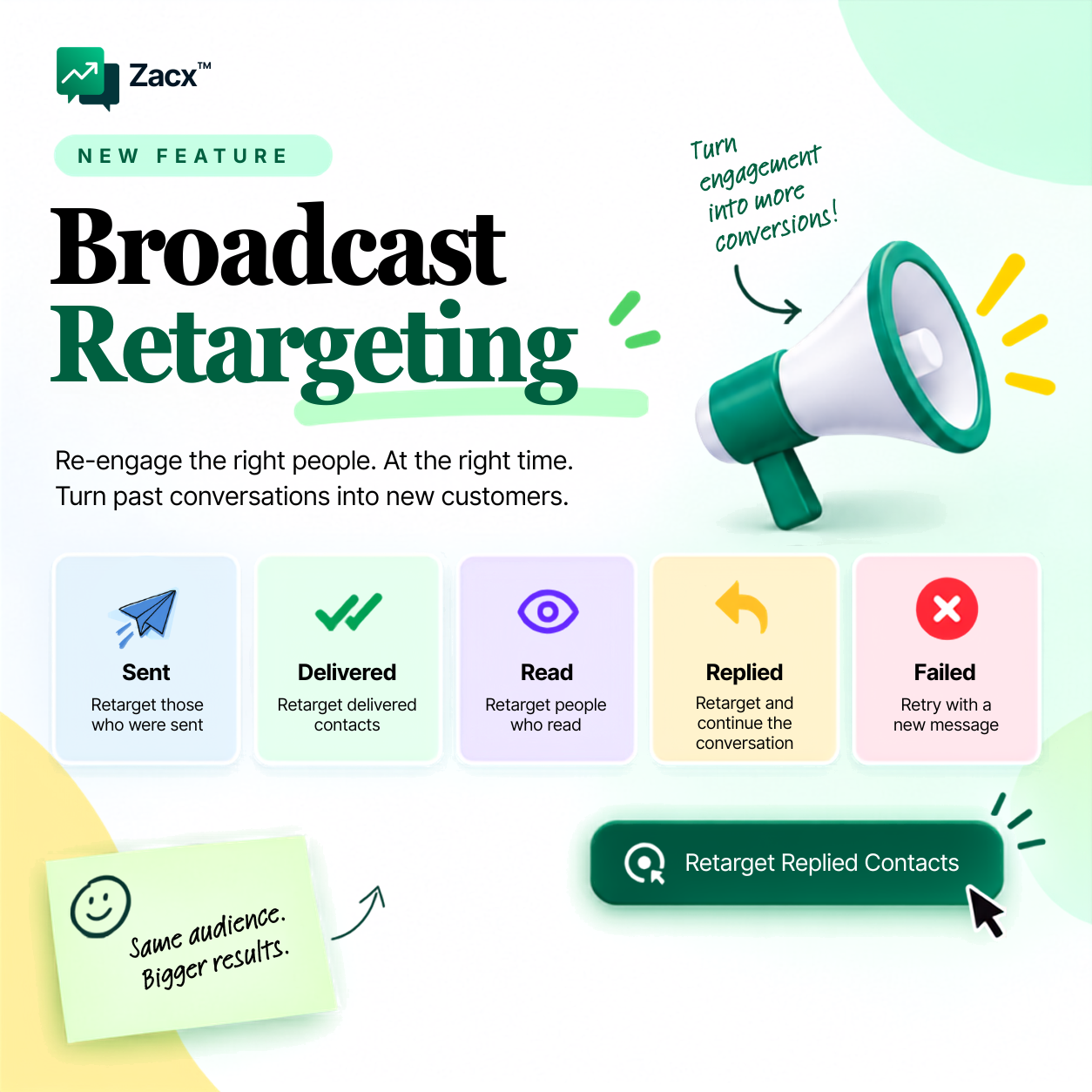
Target the right contacts based on how they engaged with your broadcast. Broadcast Retargeting is live on every Zacx account today.
- Retarget by status. Reach the contacts who were sent, delivered, read, replied or failed, each as their own audience.
- Follow up with high-intent leads. People who read or replied are already interested. Continue the conversation with a message that fits where they are.
- Recover missed opportunities. Retry failed contacts with a new message and bring them back into your campaign.
One broadcast. Different audiences. Smarter follow-ups.
How to use it
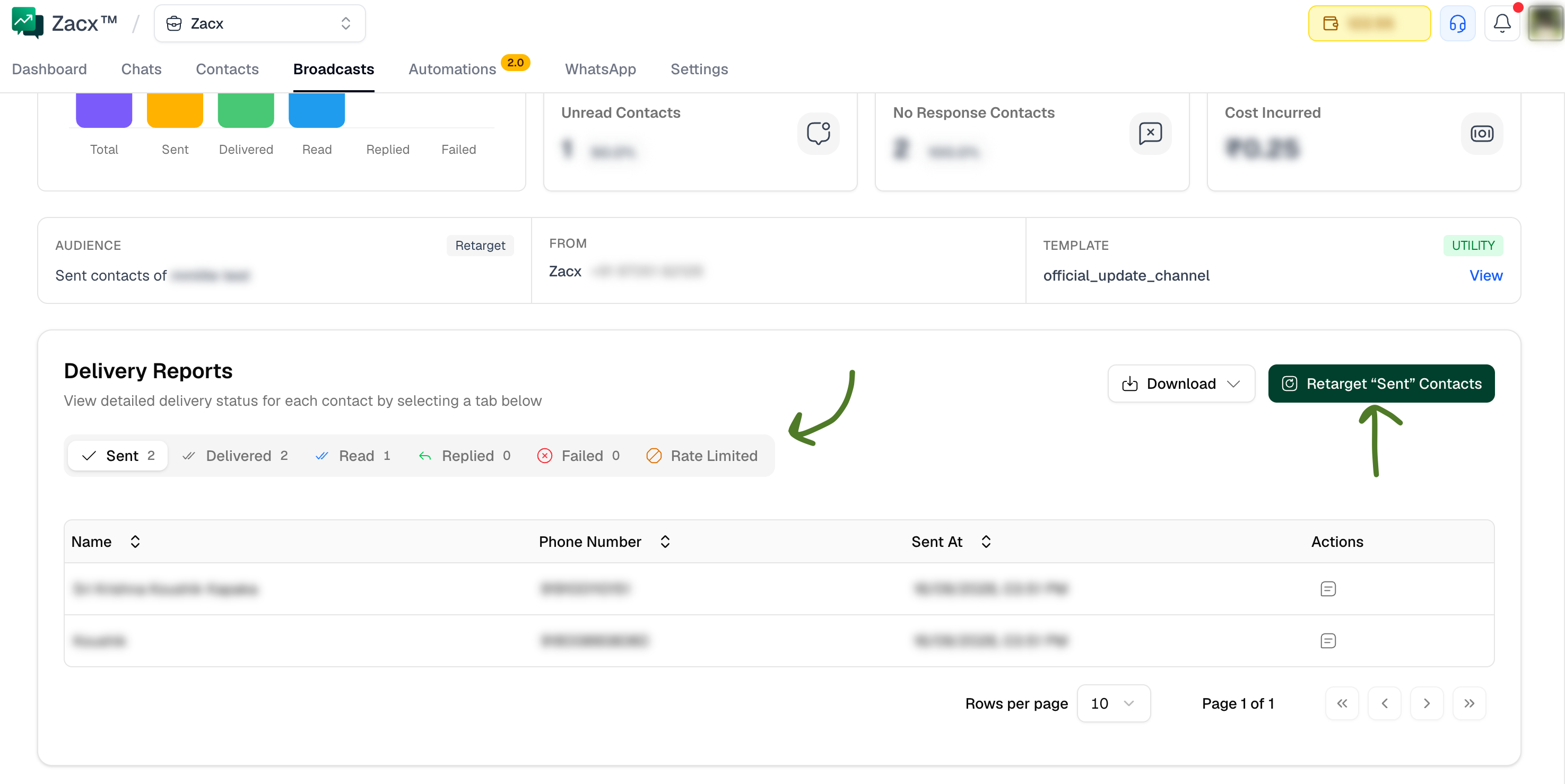
- Go to Broadcasts and open a previous broadcast.
- Scroll down to the Delivery Reports section.
- Select a message status, for example Sent, Read or Replied.
- Click Retarget “Sent” Contacts (the button matches the status you picked). A new broadcast opens on the template selection page with that audience already set, and you launch it as usual.
New to broadcasts? Start with the broadcasts guide.